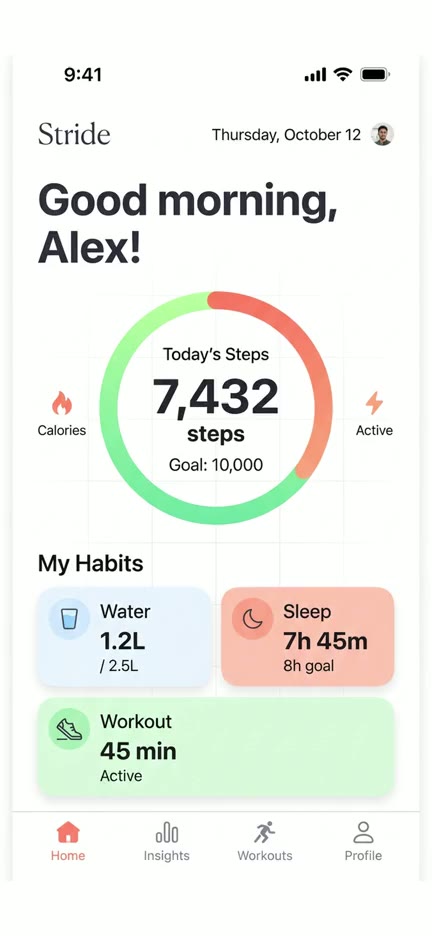
In hand
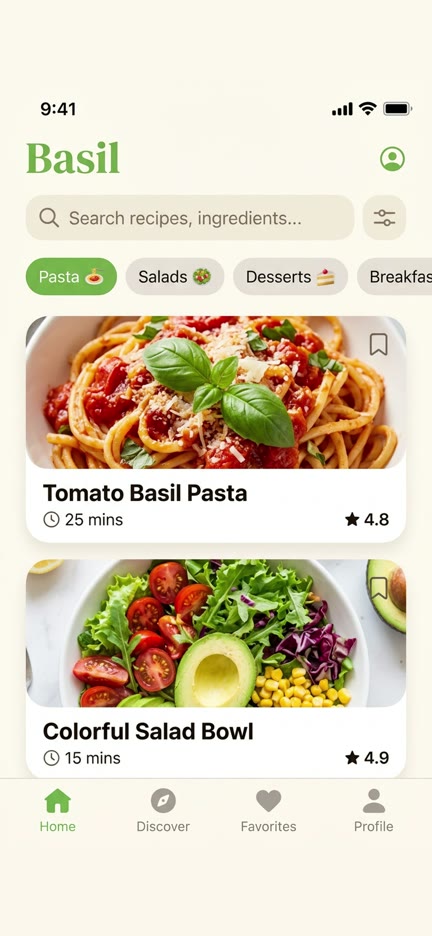
Looks like a creator filmed your app, without hiring one. The thumb taps exactly where you did.
Turn a screen recording into UGC footage that looks filmed on an iPhone. No creator, no shoot, no reshoots.
 Same blanket
 Same ring
 Same nails
 Same skin tone
 Same phone case
 Same lamp light
 Same ambient light
Three phone shots
The three phone shots UGC videos are made of. Pick one, or let Automatic choose from your recording.
Looks like a creator filmed your app, without hiring one. The thumb taps exactly where you did.
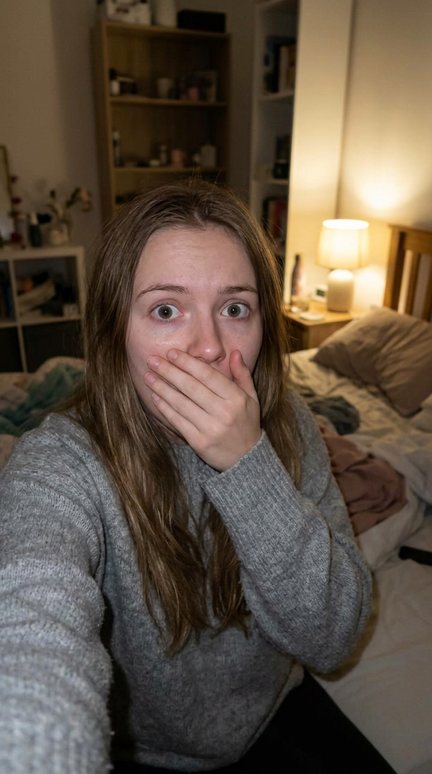
The casual "look at this app" shot, in any room you like, without moving a lamp.
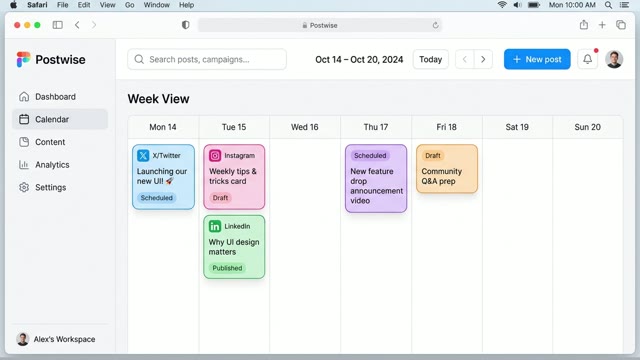
Your web app on a real-looking MacBook on a desk, for SaaS videos that don't look like screen recordings.
Matched to your hook
The cut from your creator to your app is where videos feel fake. Add your hook and the phone shots copy its room, light and phone case, so it plays like one continuous video.
How it works
No shoot to book, no phone to mail out, no reshoots.
Any screen recording from your phone or Mac. Add your hook video too, if you have one.
It reads your recording, finds every tap and picks the shot: taps make a hand clip, a landscape recording a MacBook clip.
A 9:16 clip, or 4:5, 1:1 and 16:9 for every placement. Cut it in after your hook and post it, as an ad or on your own feed.
Up close
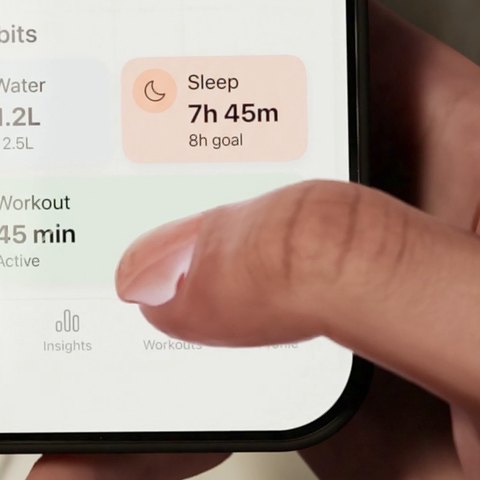
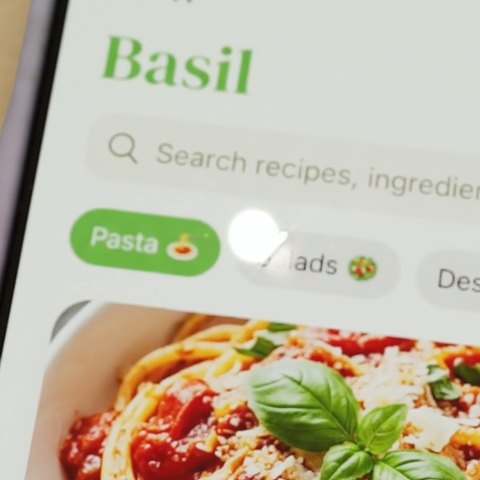
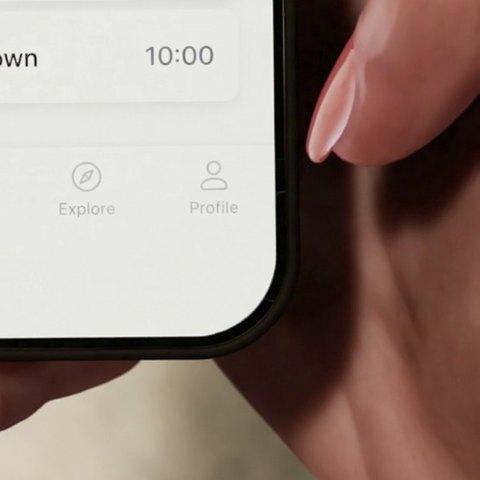
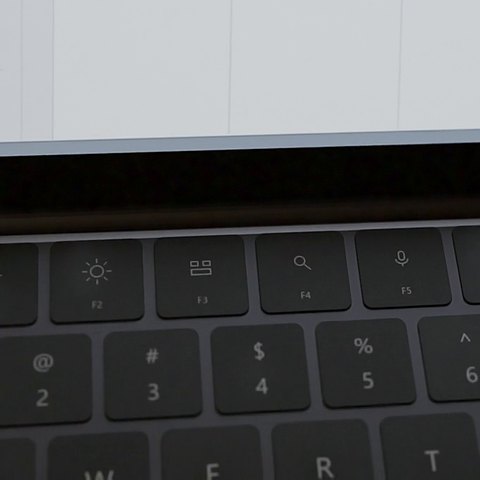
The details that give renders away, done right. Crops from the clips on this page, not mock-ups.
Who it's for
Fresh phone shots for every new hook, the same day, so creative testing never waits on a shoot.
Film the hook once. Deliver the app shots for every client without their phone or their app installed.
Dozens of variations across many apps from one plan, without a studio or a drawer of phones.
The old way
What the phone shots in an app video take today, and with handtap.
Pricing
One credit is one finished video, of any kind. Yearly billing is two months free.
$12/month
5 videos a month · $2.40 each
$29/month
15 videos a month · $1.93 each
$79/month
50 videos a month · $1.58 each
Cancel anytime. Prices in US dollars.
For developers Coming soon
Send a recording to the API and get the clip back, or connect handtap to Claude, Cursor or ChatGPT over MCP and ask for a video in plain words. Included in Pro and Business, using the same credits.
curl https://api.handtap.ai/v1/videos \
  -H "Authorization: Bearer $HANDTAP_KEY" \
  -d '{"recording_url": "https://…/demo.mp4",
       "device": "hand"}'

# → {"id": "vid_8f2c", "status": "queued", "credits": 1}
FAQ
Any screen recording from a phone or a Mac, as MP4 or MOV. An upright recording plays on a phone, in a hand or lying down; a landscape one plays on a MacBook.
A phone or MacBook clip takes about 5 to 10 minutes. A hand clip takes about 20 to 30, as every touch is planned and the hand posed for it. Quick previews are faster, and free.
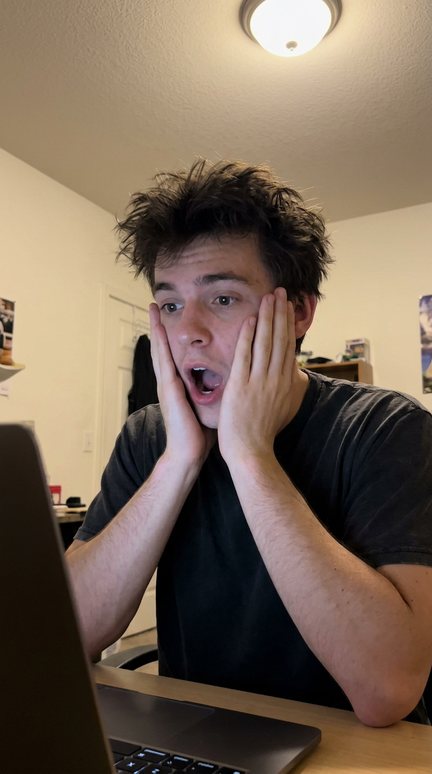
The first seconds of your video, usually a person reacting to the camera. Add that video and handtap copies its bed or desk, light, phone case, skin and nails, so the phone shots cut in like the same shoot.
Every clip handtap makes is different, even from the same recording: its framing, the camera's drift and the hand's movement change each time. So your posts don't read as reposts of one video, a common reason accounts get quietly buried.
One finished video, of any kind: in hand, on a bed or desk, or on a MacBook. Previews and videos that fail don't use one.
Yes. You keep your plan until the end of the period you've paid for, and you won't be charged again.
It's coming, with Pro and Business: an API to make clips from your code, and an MCP server so assistants like Claude can make them for you.
Upload a screen recording and get your first phone shot in minutes.
Get started